
Emma Rait, The Highland Council Psychological Service
COVID-19 has brought many challenges but also opportunities for new ways of working. Online meetings are now a part of everyday life in the psychological service. One of the challenges of online meetings is how to engage with young people in a meaningful way when we are unable to meet them in person. One way to do this is by using ‘virtual rooms’.
Virtual rooms can be created in google slides and then shared with the young person during meetings in order to provide a friendly, welcoming and age-appropriate meeting environment. The adult can add their Bitmoji to the virtual room using the google chrome Bitmoji extension.
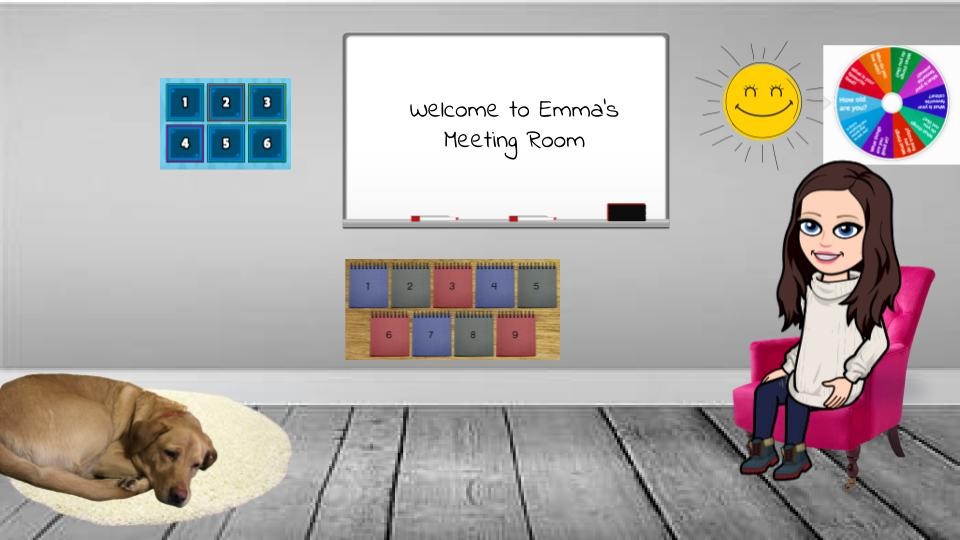
The rooms can be personalised to suit the young person’s interests, with games and visuals that will appeal to the individual young person. The child’s Bitmoji can also be added to the virtual room to create another element of connection with the young person.

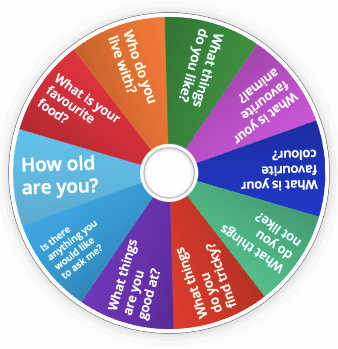
All the visuals, posters and props within the virtual room can be linked to activities and resources on the internet. A useful website for this is www.wordwall.net. On this website you can create interactive activities to complete with the young person. Here is an example of an activity I set up with some ice breaker questions for getting to know a young person.
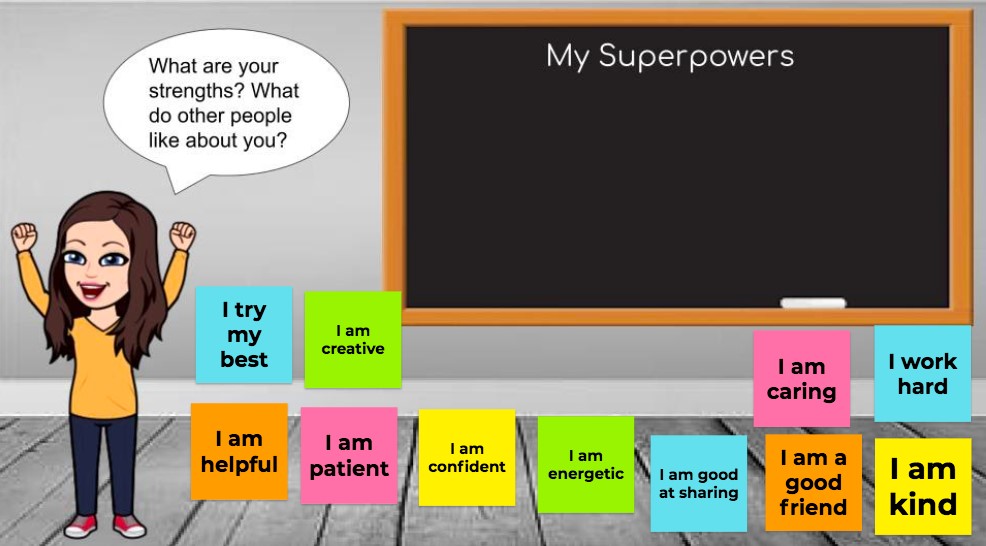
Jam Board is another useful tool that can be incorporated into virtual rooms. Activities can be set up on a Jam Board and the link shared with the young person during the meeting. Here is an example of a Jam Board activity I set up to help the young person to identify their strengths.
If you would like to set up your own virtual room, I have made a short video to help you get started. You can access the video by clicking on this link:
 Highland Council Psychological Service